AI video tools promise to democratize content creation, but many creators hit a wall. They sign up, type a prompt, and get results that feel disjointed or far from their vision. For solo marketers and small teams without video experience, this gap between expectation and reality often leads to abandoning tools altogether.
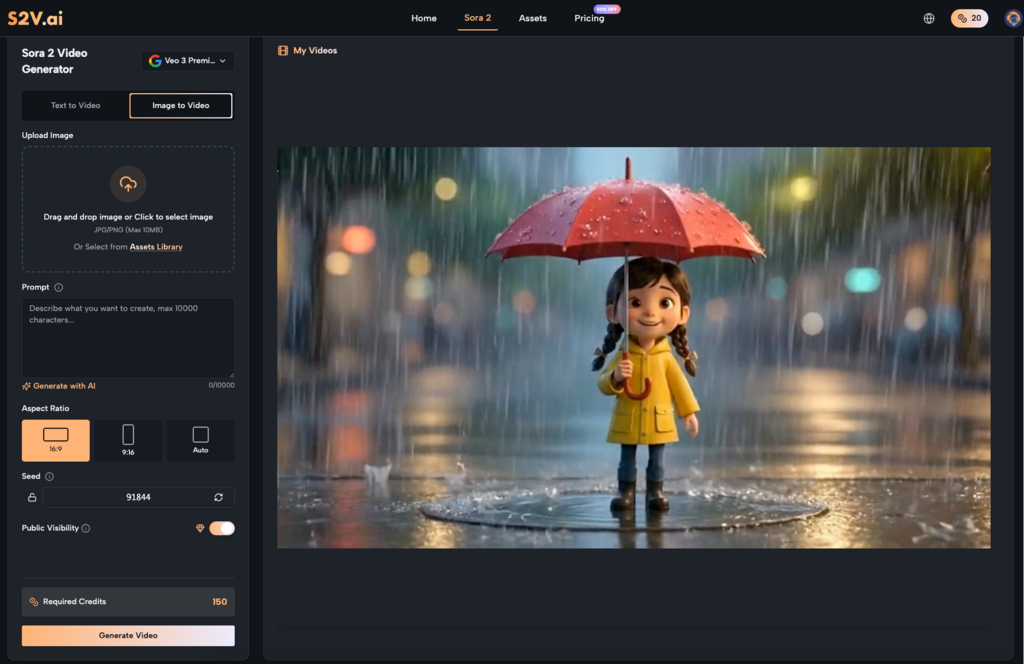
S2V changes this by integrating top-tier models like Sora 2 and Google’s Veo 3 series into one accessible platform. It removes the guesswork from choosing the right AI for the job, letting you focus on turning ideas into videos—no film school degree required. Let’s break down why creators struggle, how to start with S2V and Sora 2, and which mistakes to dodge.
The frustration with AI video tools rarely stems from bad technology. It comes from misalignment between user needs and platform design. Here are the top pain points, and how S2V addresses them:
Most platforms tie you to one AI model, forcing you to adapt your workflow to its limitations. Others dump a dozen tools on you without guidance. This confusion stalls progress before you even generate a clip.
S2V curates five premium models, including Sora 2 Basic, Pro, and Pro Storyboard. Each serves a clear purpose—from fast social media clips (Sora 2 Basic) to cinema-grade narratives (Sora 2 Pro). You pick the model for your project, not the other way around. Sora AI Video is no longer a vague tool you fumble with; it’s a tailored solution for every creative goal.
Many AI tools generate silent footage, leaving you to hunt for matching audio. For non-experts, syncing sound effects to visuals eats up hours better spent creating.
S2V’s Veo 3 models (powered by Google) generate native audio—ambient sounds, sound effects, and natural soundscapes—synchronized to your video. Pair this with Sora 2’s realistic visuals, and you get a complete audiovisual clip in one generation. This native audio integration is a game-changer for anyone who hates post-production busywork.
“Make a cool marketing video” might sound clear to you, but AI needs specificity. Vague prompts produce generic, forgettable content that doesn’t align with your brand.
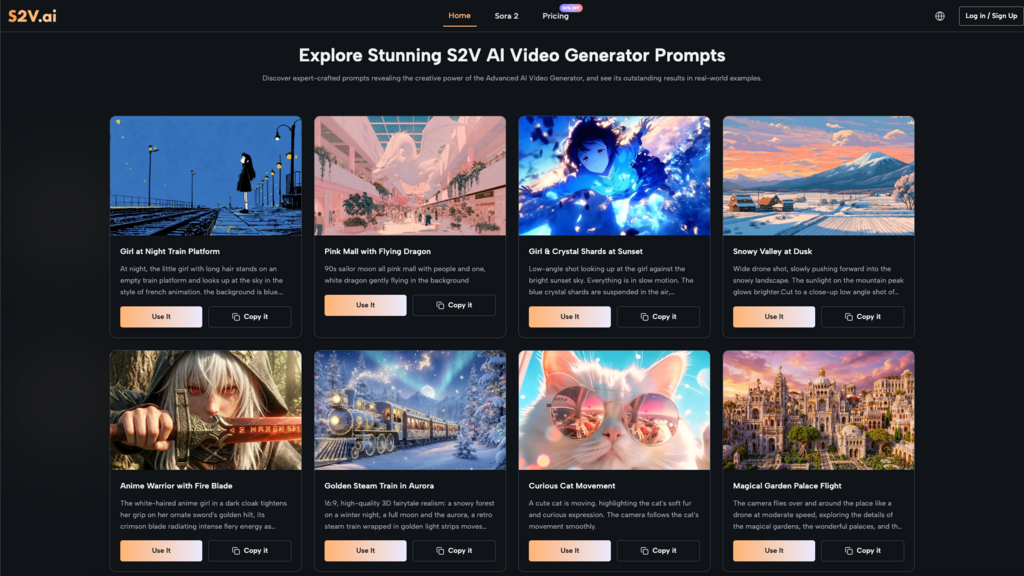
S2V’s intuitive interface guides you to refine prompts with scene details, camera angles, and moods. It turns vague ideas into actionable inputs that Sora 2 and Veo 3 models understand. Sora AI Video thrives on detail, and S2V makes it easy to give the AI exactly what it needs to deliver.
Getting started with Sora AI Video doesn’t require mastering complex settings. Follow this repeatable workflow to go from idea to usable video in under an hour—no video editing experience required.
Match the model to your project to avoid overcomplicating things. Here’s a quick, no-nonsense guide to the Sora 2 AI lineup:
Great prompts combine subject, action, setting, and style. Use this structure: [Camera angle] of [subject] doing [action] in [setting], [style/mood], [small details].
Example: “Close-up of a handmade candle melting on a wooden table, warm golden lighting, cozy autumn mood, soft background rustling of leaves.” This gives Sora 2 clear direction to generate a targeted clip that fits your brand, not a generic one-size-fits-all video.
I’ve found that the best results come from iterating on 2-3 versions, not chasing perfection upfront. S2V lets you tweak prompts or adjust parameters (like aspect ratio) and regenerate quickly—no waiting around for hours for a single clip.
For my last client project, I used Sora 2 Pro to generate a product demo for a skincare brand. The first clip had too bright, harsh lighting—so I added “soft overcast lighting, muted earthy tones” to the prompt and got a clip that matched their calm, minimalist brand tone. This small tweak took 2 minutes and made the final video feel polished and intentional, which made Sora AI Video feel less like a tool and more like a creative partner.
All videos created with the S2V AI Video Generator come with full commercial rights. No watermarks, no attribution, no hidden fees. Export your clip in your preferred format and use it for ads, social media, client work, or product demonstrations immediately—your content is yours to use freely across every platform.
Even with a user-friendly platform like S2V, new creators stumble on avoidable errors. Steer clear of these to save time, reduce frustration, and get better results from Sora 2 from day one:
Don’t stick to Sora 2 Basic for every project just because it’s fast. If you’re creating a multi-scene brand ad, Sora 2 Pro Storyboard will maintain character and style continuity far better. For a clip where audio is critical (like a nature-focused social post), Veo 3’s native audio generation will save you from endless audio editing.
I made this mistake early on, using Sora 2 Basic for a 4-scene narrative video for a local café. The clips felt disjointed, with inconsistent lighting and framing, until I switched to Sora 2 Pro Storyboard—suddenly, the scenes flowed seamlessly, and the video felt like it was made by a professional team, not a solo marketer. Mix models based on what each shot needs, not what’s easiest to click.
Sora 2 defaults to a 16:9 aspect ratio, but that’s not ideal for all platforms. Posting a wide 16:9 clip to Reels (vertical 9:16) crops key details and makes your content look unpolished—like you didn’t put in the work.
Set your aspect ratio first in S2V, before you generate a single clip. Choose 9:16 for vertical social platforms, 16:9 for YouTube and brand websites, and 1:1 for Instagram feed posts. Sora 2 adapts its framing to fit your chosen ratio, so your subject stays front and center every time.
Sora 2 Pro Storyboard handles multi-scene content, but starting with a 5-minute video will lead to nothing but frustration. Sora AI Video excels at tight, 15-30 second clips—these are the sweet spot for AI generation, with the most consistent quality and accuracy.
Build longer videos by combining these strong individual clips into a sequence. Master the short form first, and long-form content will feel effortless once you’re comfortable with the S2V Video Generator workflow.
If your first Sora 2 clip isn’t right, don’t delete it and start over from scratch—and don’t give up on the tool entirely. Small tweaks to your prompt (adding a lighting detail, changing the camera angle, specifying a mood) can completely transform the output.
S2V makes iteration fast, so there’s no downside to testing 2-3 prompt variations. I’ve had times where a single added detail (“slow pan across the product, soft focus background”) turned a mediocre clip into the star of a client’s social media campaign. Patience with prompts pays off with Sora 2 AI.
AI video creation doesn’t have to be a frustrating, trial-and-error process—it just needs to be approachable. S2V’s greatest strength is that it takes the world’s most advanced AI video models, including the full Sora 2 series and Google’s Veo 3, and packages them into a platform that works for you—whether you’re a solo marketer cranking out social content or a small team creating commercial ads.
You don’t need advanced design or video skills to get value from Sora 2 AI Video Generator. All you need is a clear idea, a specific prompt, and the willingness to iterate a little. By matching the right Sora 2 model to your project, avoiding the common early mistakes, and following a simple repeatable workflow, you’ll turn S2V from a “nice-to-have” tool into a core part of your content creation process—one that lets you produce professional, on-brand video content consistently, without the stress or the steep learning curve.
Sora AI Video is no longer just for professional filmmakers. With S2V, it’s for every creator who needs to make great video content, fast. And with full commercial rights on every clip, you can turn your AI-generated videos into real results for your brand or your clients—today.