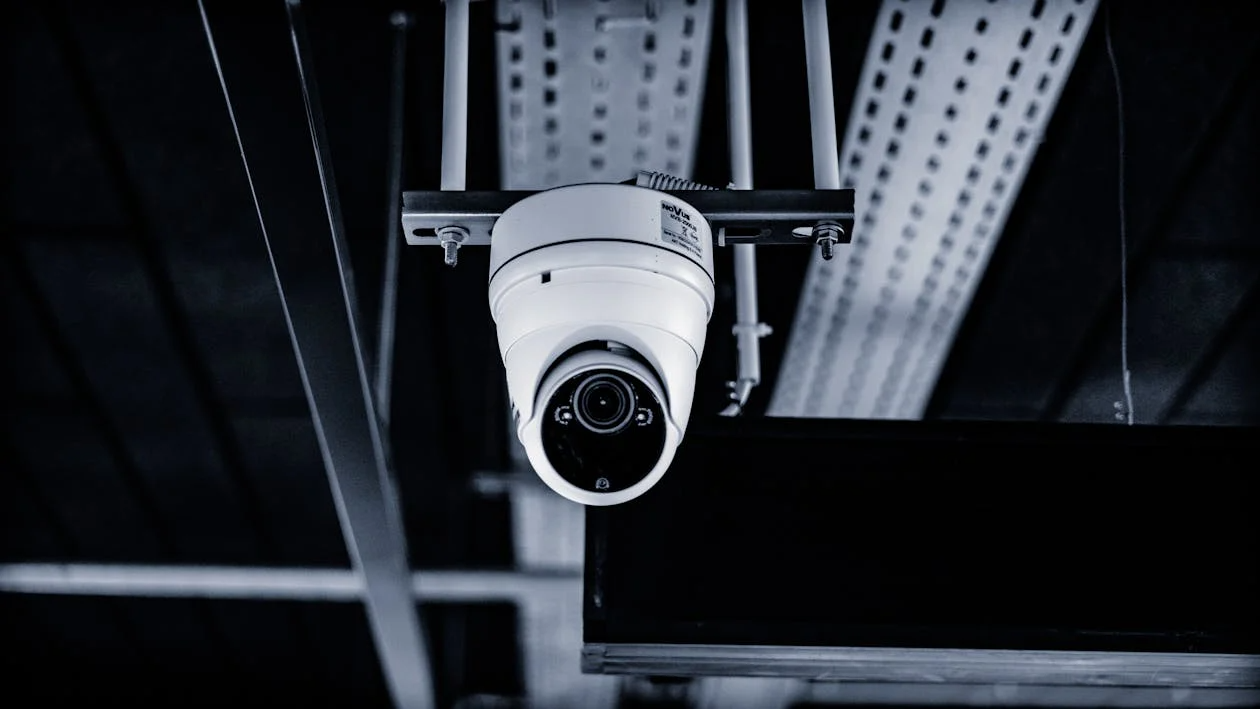
Video surveillance is a routine part of operating a retail store or restaurant. Yet, many small business owners end up replacing or upgrading their systems sooner than expected. Overspending often comes down to overlooked setup details and not the cameras themselves. This blog outlines a practical checklist covering the six most common camera system pitfalls, along with how to avoid them.
Via Pexels
Lighting has an enormous impact on how cameras perform. All security cameras have better performance in bright locations compared to low-light areas or extreme contrast areas. It’s smart to take into account places such as the storage area, entrance from the outside, and back alley areas in particular. Make sure you check out your lighting conditions throughout your operational hours, business hours, and non-business hours before making a purchase on any equipment. Changing light levels by simply changing the bulb type or installing LED lights that turn on when motion is detected could greatly enhance the image quality of your cameras without having to upgrade them.
Retention time is the time that video is stored in the system until it is automatically deleted or overwritten. Many people tend to buy their equipment first and then figure out their retention periods afterwards. Utilizing the physical security standards can assist you in determining the amount of recording time needed, what types of access controls you will need, and the best mix of cloud storage versus on-site storage. The retention time you use will depend upon the type of business you operate, the number of hours per day your business operates, and any required regulations or insurance policies that apply to your industry. For example, restaurant owners may need at least 30 days of video footage to protect against potential disputes; however, a retail owner with limited incidents may only need to keep footage for 7-14 days.
In most jurisdictions, there are strict rules regarding posting notices of surveillance in both public and private areas. Signs should be easy to see, correctly worded, and located near the entrance doors, cash registers, and break rooms. If you fail to properly post signs, you may be exposing yourself to possible liability in addition to being able to dispute with your customers and employees as to who gave consent to be videotaped. Use professionally printed and durable signs rather than writing down your own sign by hand. Also, be sure to size your signs according to the scope of your operation.
Not every employee needs access to your security system. A common mistake is using a shared password or giving full permissions to all managers. Instead, create user accounts with clear access roles. For example, store managers might only view live feeds, while owners retain full control over playback and settings. This approach reduces the risk of tampering or accidental deletion and keeps audit logs accurate. Be sure to update or revoke credentials when roles change.
Bandwidth is often the bottleneck in hybrid or cloud-based camera setups. Uploading HD or 4K video can strain networks, especially during peak business hours. Before selecting a system, measure your upload speed and consider limiting resolution or frame rate during low-priority hours. Alternatively, schedule uploads during off-hours. This prevents streaming issues for POS systems and ensures smoother footage access remotely.
Surveillance systems need routine maintenance. Dust, power surges, camera misalignment, and software updates all affect reliability. Plan monthly visual checks and quarterly system audits. Confirm that cameras are recording as expected, footage is accessible, and time stamps are accurate. Establish a clear contact for technical issues, whether in-house or third-party. Regular maintenance reduces downtime and avoids the higher costs of reactive repairs.
A small business camera system is only as reliable as the planning behind it. Avoiding common oversights leads to long-term savings and consistent performance. Using a clear checklist and referencing physical security best practices can help guide system choices that support your business goals.