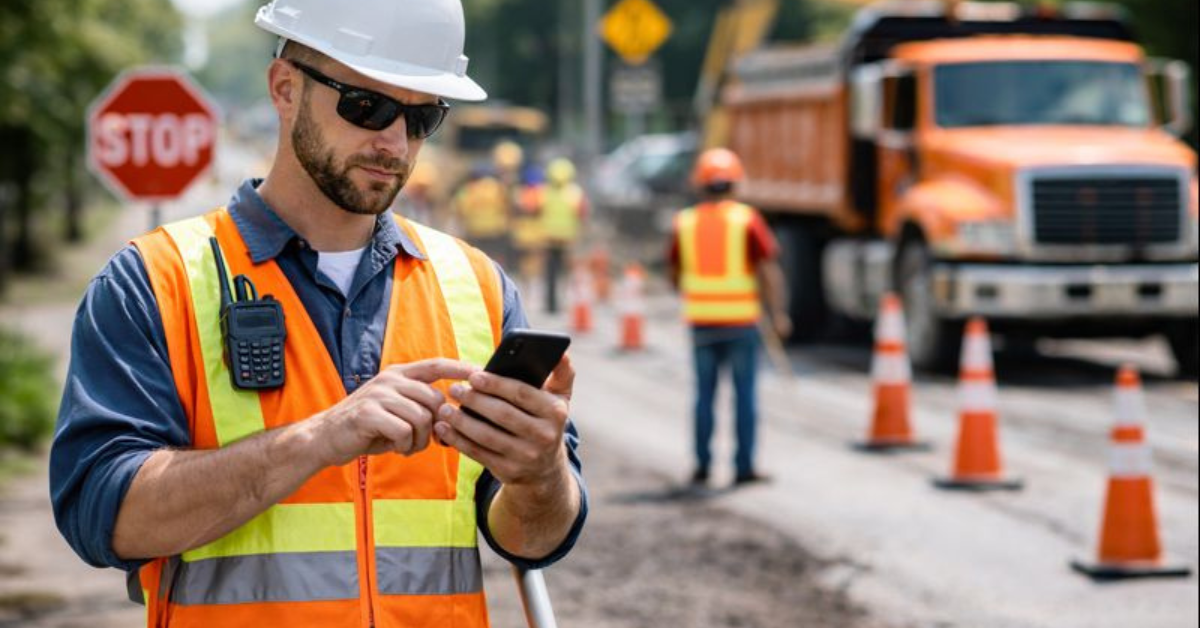
Construction sites are noisy, chaotic, and dangerous. At the center of it all stands the flagger, managing more than just traffic. In 2026, flaggers handle tight job sites, heavier traffic, and the pressure to document everything.
They follow site plans, communicate instantly, log incidents, and adapt to unpredictable changes, all while staying safe. Walkie-talkies and clipboards don’t cut it anymore. Mobile tools streamline the chaos, reduce confusion, and give business owners real-time visibility without being on-site.
Remember when a road closure stayed the same all week? Those days are gone. Flaggers today are dealing with environments that change by the hour.
Without the right tools, it’s a recipe for disaster:
That leads to risk, delays, and frankly, one massive headache.
Ever feel like your paper diagrams are living in the past? A paper map is great until a lane suddenly closes. Then what? You’re stuck on the radio, waiting for a supervisor to drive over and scribble a new sketch while traffic piles up.
Mobile tools flip the switch on that chaos:
It’s a single source of truth that fits in your pocket. Everyone stays on the same page, literally and figuratively.
Radios are great. But they aren’t perfect.
Between the static, the noise of a jackhammer, and three people trying to talk at once, missed calls are common. And relying on a radio for complex instructions? That’s a recipe for disaster.
Mobile tools give you a quieter, smarter way to talk.
Need to tell a flagger to move a taper 50 feet? Send a written note or a marked-up photo. They can read it, look at the diagram, and execute it.
This does two things:
When something goes wrong on-site, a near miss, a reckless driver, or a smashed sign, you need the details now. Waiting until the end of the shift means the facts get fuzzy. "Was it a blue sedan or a black truck?" "What time was it again?"
Mobile tools let your crew report issues the second they happen:
It’s fast. It’s accurate. And because it’s digital, the report doesn’t end up buried under a seat cushion in the work truck. Using digital work orders keeps everything organized and ready when you actually need it.
Nobody likes being micromanaged. But as an owner, you need to know your sites are covered.
Mobile tools strike a nice balance here.
Flaggers can check in when they arrive. They can confirm their setup is complete. They can log shift changes. It takes two seconds.
For supervisors, this is gold. They can see coverage across multiple sites without having to call everyone constantly. It saves time, sure. But more importantly, it builds trust. You know the job is staffed, and your crew knows you’re not hovering over their shoulder.
Let’s be real: not every flagger has twenty years of experience. You’ve got your seasoned veterans, and then you’ve got the rookies. Mobile tools act like a safety net for the new guys:
It’s about giving your team the tools to be experts from day one.
We can’t talk about mobile tools without talking about paperwork.
Traditionally, the end of the day meant a mountain of paper logs. Flaggers had to fill them out (often on the hood of a truck), supervisors had to collect them, and office staff had to figure out the handwriting.
It’s slow. It’s prone to errors. It’s boring.
With mobile tools, the "paperwork" is done by the time the shift ends. The data was captured throughout the day.
For your office staff, this is a dream. They can close out jobs faster. For you, it means accurate records for billing and compliance without having to chase people down for missing logs.
Safety isn't just about hard hats and vests. It's about visibility, knowing what's actually happening out there.
Mobile tools connect the dots between flaggers, supervisors, and the office.
If a flagger keeps reporting close calls at a specific intersection, that’s data you can use. A manager sees the pattern and realizes, "Hey, we need better signage there." They can adjust the traffic plan before an accident happens.
Having that info in one place helps you act before things go south.
If you’re running a business that relies on flaggers, the benefits aren't just theoretical. You see them in your day-to-day operations:
These aren't small wins. They translate to smoother jobs, happier clients, and a lot less stress for you.
Imagine a road repair project. It’s an emergency start, so crews are scrambling. Traffic is already backing up.
Without mobile tools? Chaos. Radios screaming. Confusion about where the cones go.
With mobile tools?
The supervisor updates the traffic plan on a tablet and pings the flaggers. Each flagger checks their phone, sees the update, and confirms they’re good to go.
Later, a sign gets knocked over. A flagger snaps a pic, logs it, and replaces it. The office sees the log instantly.
At the end of the day? No confusion. No missing paperwork. Just a job well done.
Here’s the catch: the best software in the world is useless if your team hates it.
So, what makes a mobile tool something your flaggers will actually use?
As we head toward 2026, job sites aren't getting any slower. Relying on paper plans and radio chatter is risky business.
Mobile tools are a practical, affordable way to support the people who keep your sites safe. Platforms like Field Promax bring the job details, the communication, and the reporting into one simple app.
For your flaggers, it means clarity. For you, it means control.
Investing in the right system isn't just about "going digital." It's about giving your team the backup they need to do a tough job safely.
Mobile tools provide flaggers instant access to updated traffic plans, helping them respond quickly to changes and reduce accident risks.
No, most modern tools are intuitive and easy to use, with quick onboarding and built-in guides for training.
Not entirely. Radios are still best for immediate "stop that car!" alerts. But mobile tools handle the detailed stuff, instructions, updates, and reporting much better than a radio ever could.
Absolutely. Even if you have a small crew, better communication and cleaner documentation save you time. Tools like Field Promax allow you to manage jobs professionally without needing a massive back-office team.